Hytera PC76 USB Programming Cable for BD, PD, and TC Series Radios
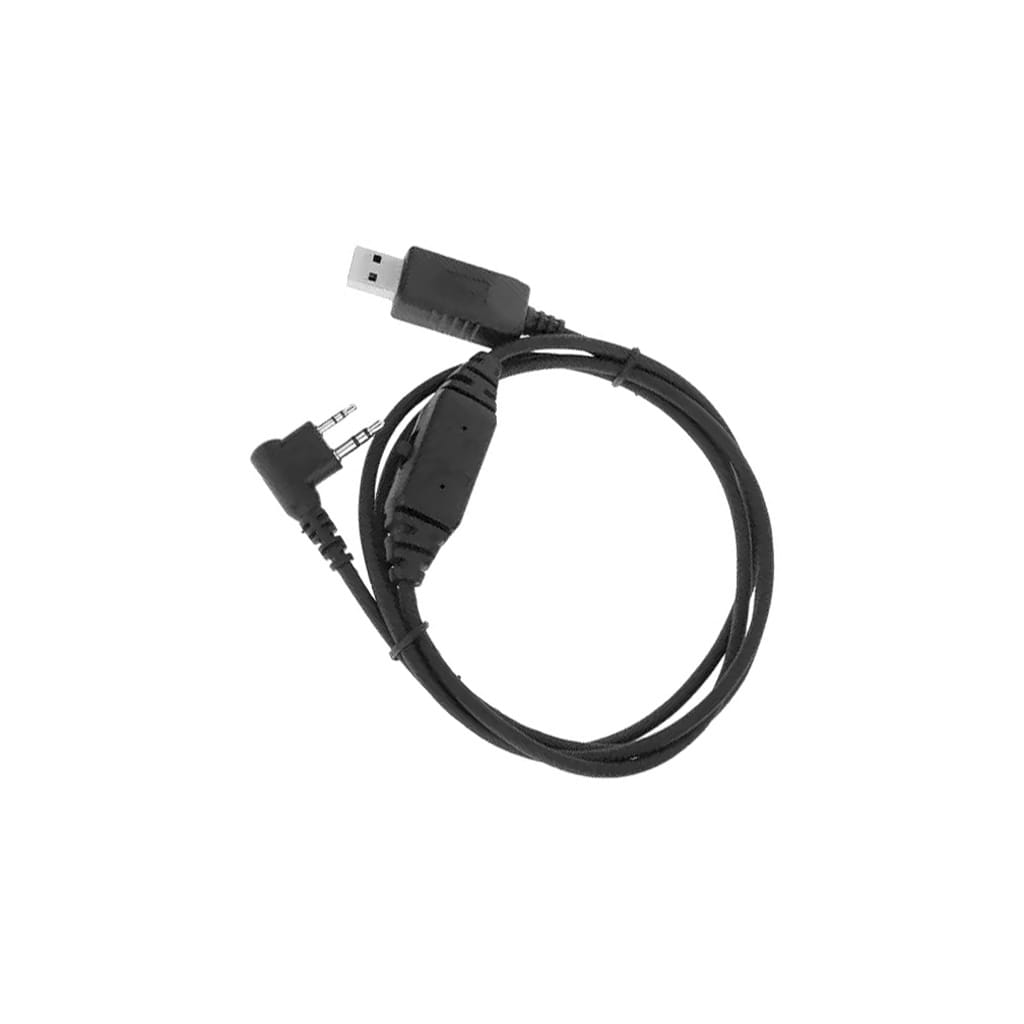
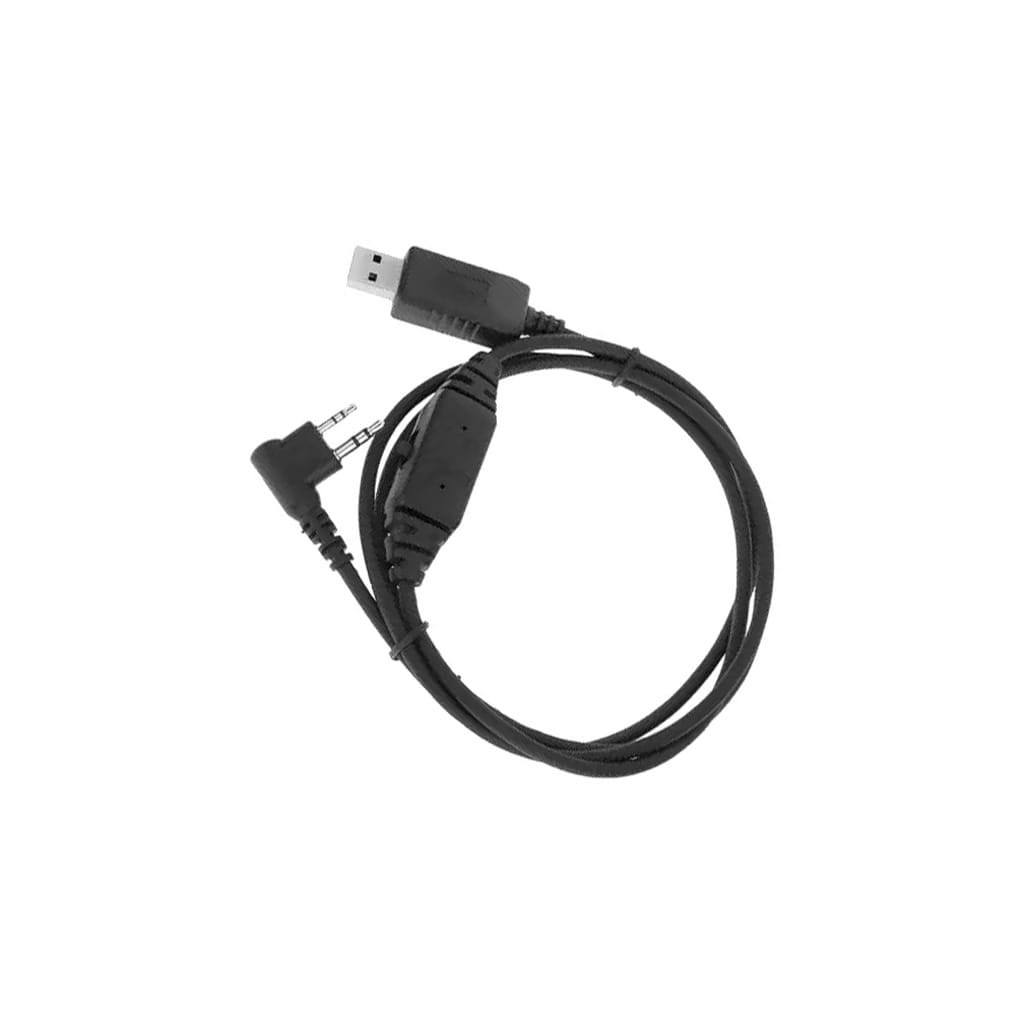
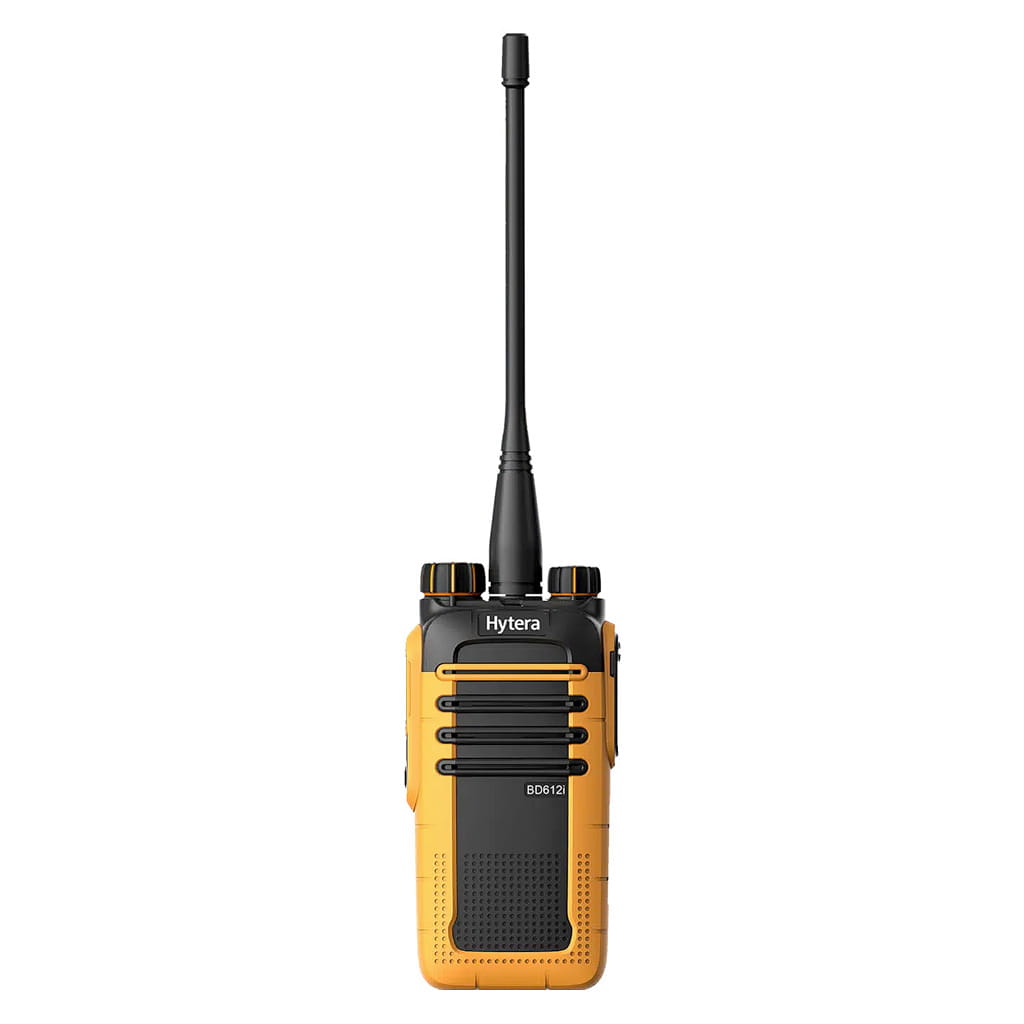
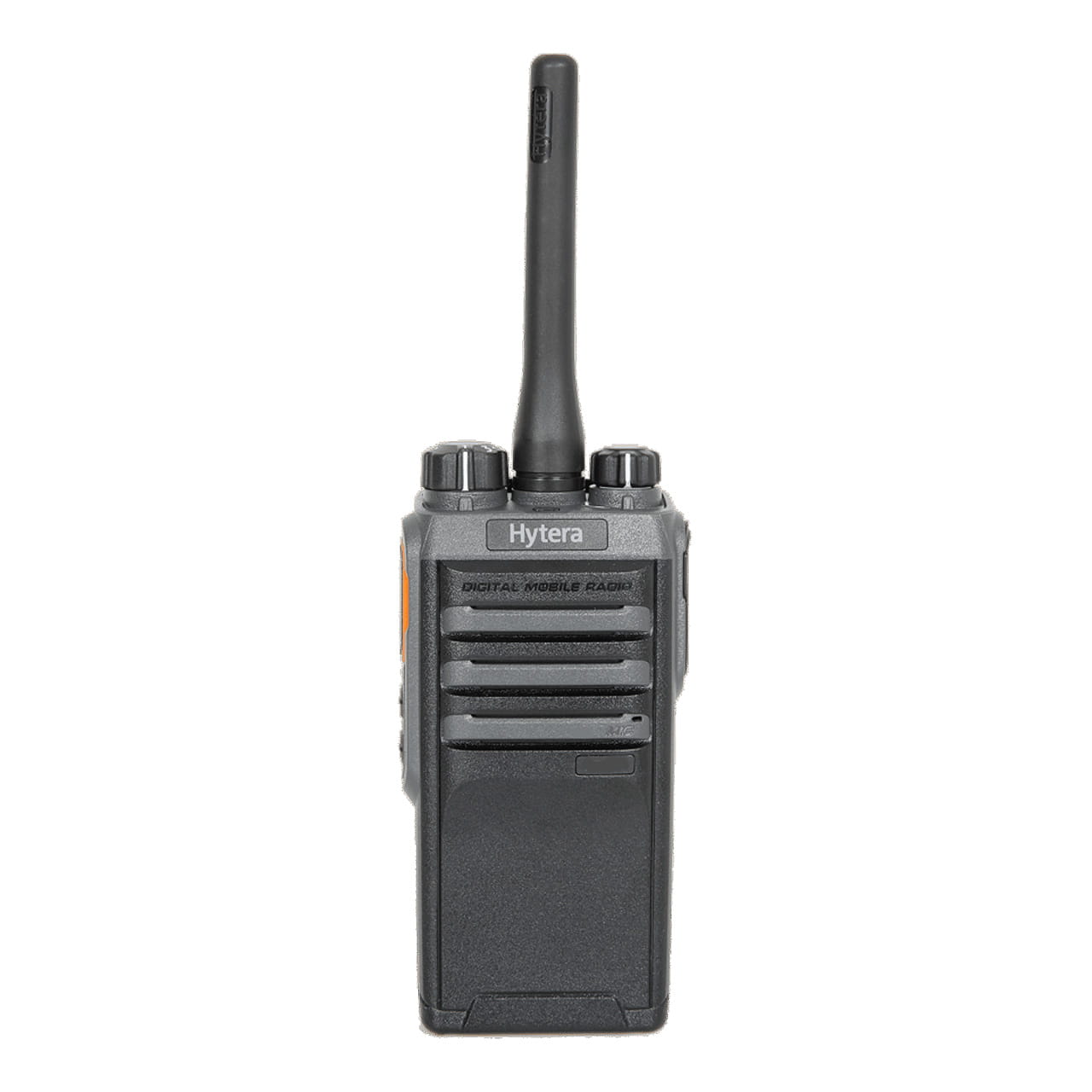
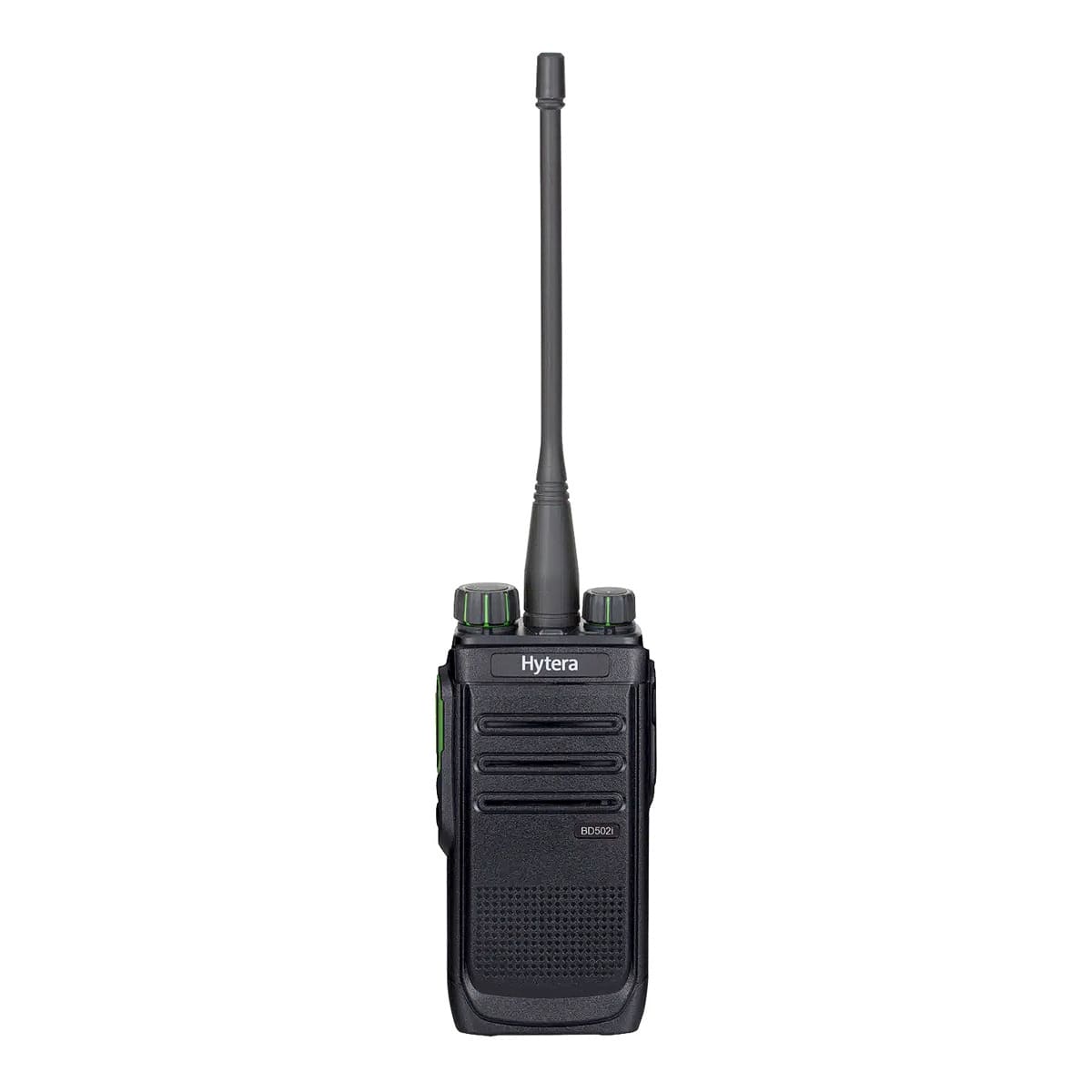
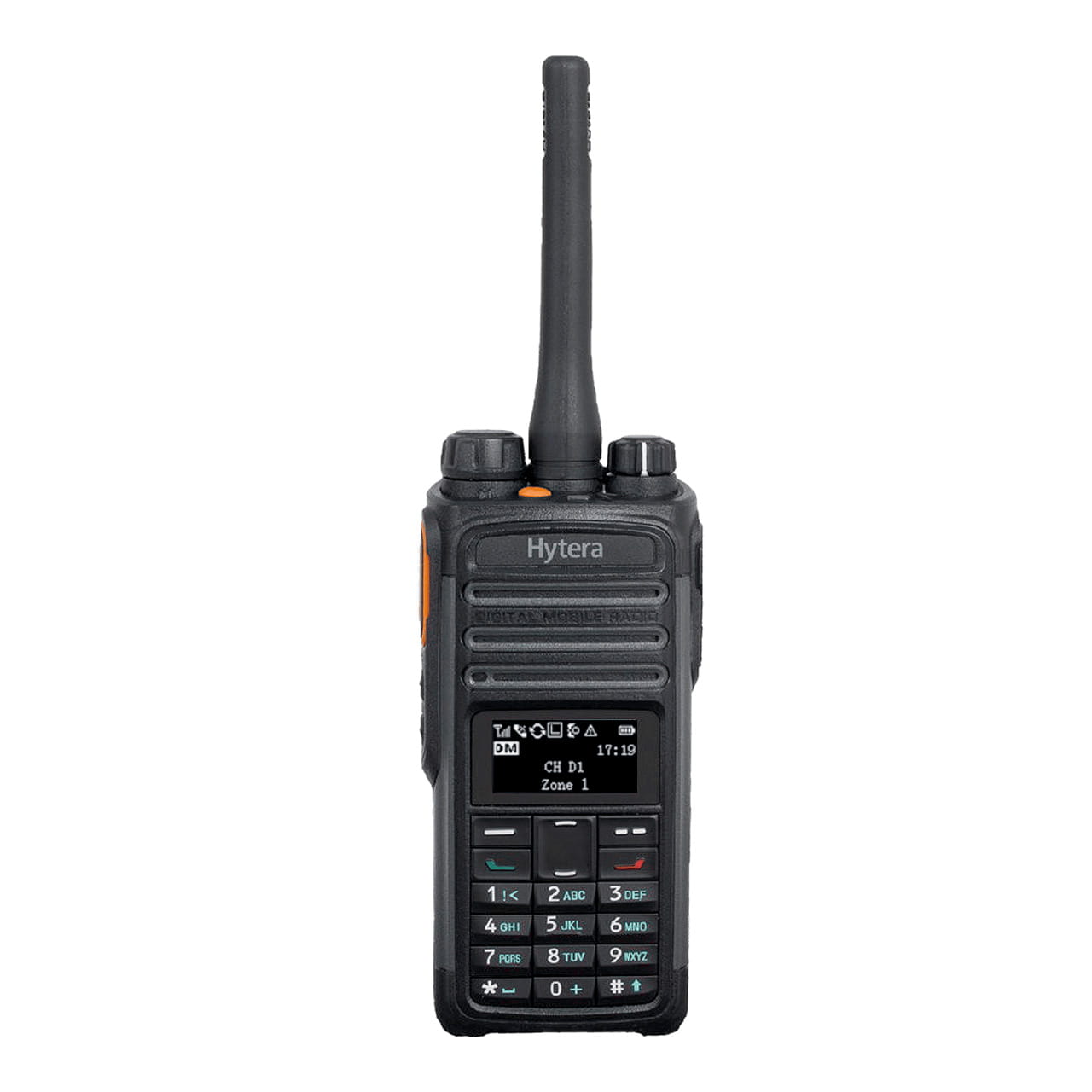
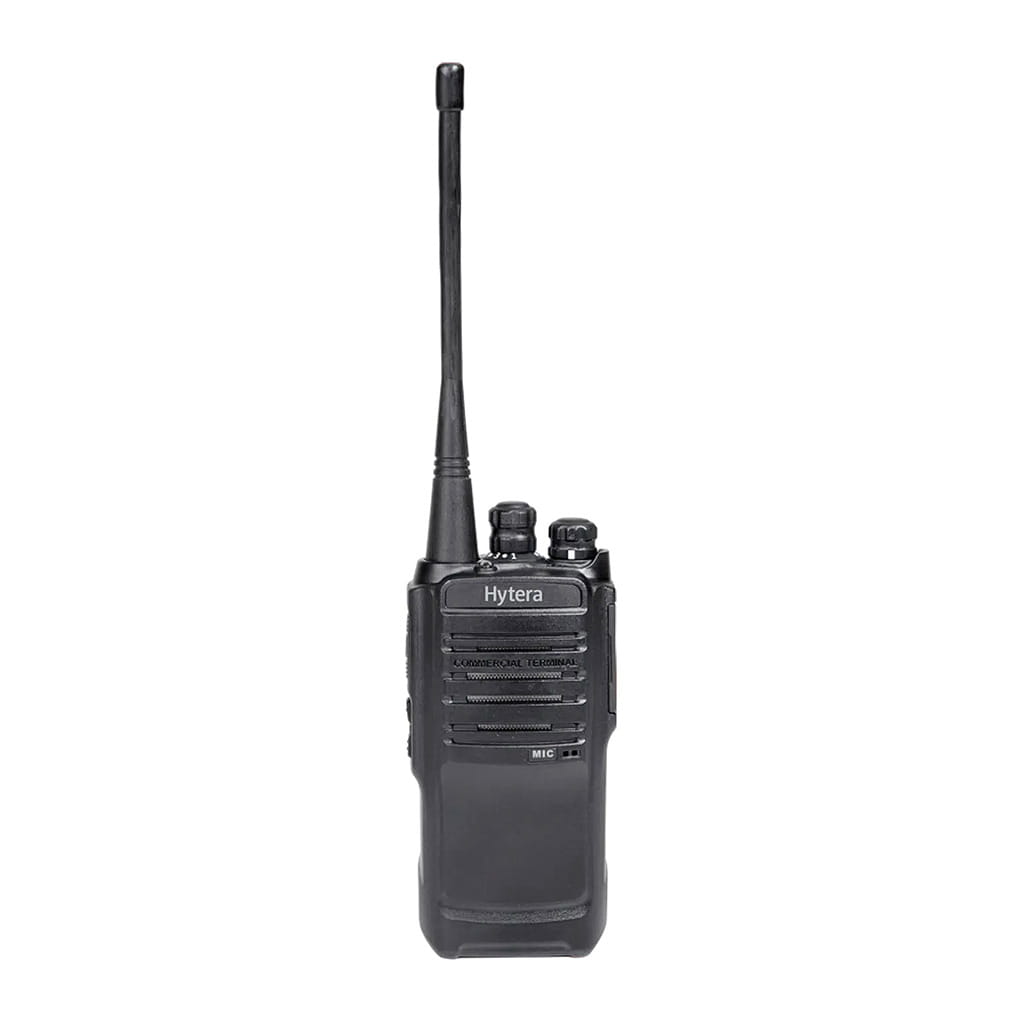
The Hytera PC76 is the OEM USB programming cable for Hytera BD, PD, and TC Series radios. It connects the two-way radio to a PC via a USB-A connector and a 2-pin plug.
The cable is used to read and write configuration files and to update firmware. The cable is 1.2 m long and replaces the older PC26. Programming software is sold separately.
Authorized Dealer

Fast Nationwide Shipping

Technical Support & Programming

Bulk Pricing Available
Why Professionals Choose the Hytera Programming Cable PC76
The PC76 cable is 1.2 m long and is designed to connect a PC to a radio. It is equipped with a USB-A connector and a 2-pin connector. It works with Hytera CPS software to read and write codeplugs and to load firmware on BD, PD, and TC Series radios. The cable replaces the older model PC26. A USB driver may be required the first time the cable is used on a PC.
The PC76 is a genuine Hytera cable. Generic programming cables often use clone USB-to-serial chips that fail driver installation on current Windows builds or drop the link mid-write. On a codeplug or firmware write, an interrupted link is a real risk to the radio. The original cable holds the connection the software expects.
AXDIGITAL is an authorized Hytera dealer and supplies the PC76 as an OEM part.
Specification
Programming Cable — Hytera PC76
| Accessory Type | Programming Cable |
| Interface | USB Type-A to 2-pin |
| Cable Length | 1.2 m (approx. 4 ft) |
| Function | Codeplug programming and firmware updates |
| Software | Hytera CPS (sold separately) |
FAQ
Do I have to switch from the PC26 cable to the PC76?
No. The PC76 is the current replacement for the PC26, not a required upgrade. If your PC26 still programs your radios, keep using it. Switch to the PC76 in three cases:
- the PC26 is lost or damaged and no longer sold;
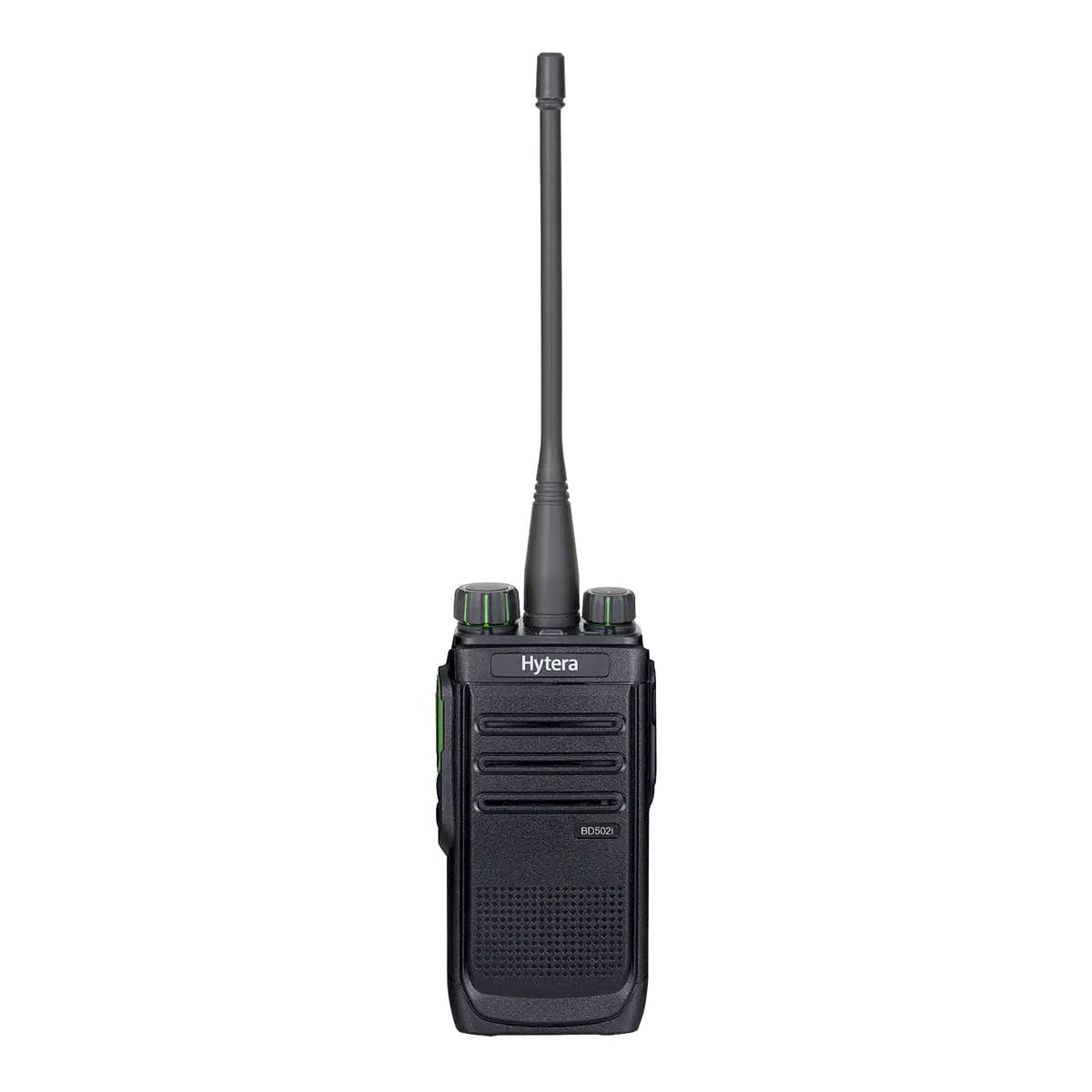
- you have added newer radios, such as the BD5i or PD4i iSeries, that the older cable does not support;
- the PC26 driver no longer installs on your current Windows version.
Confirm the fit for your radio models and OS before ordering.