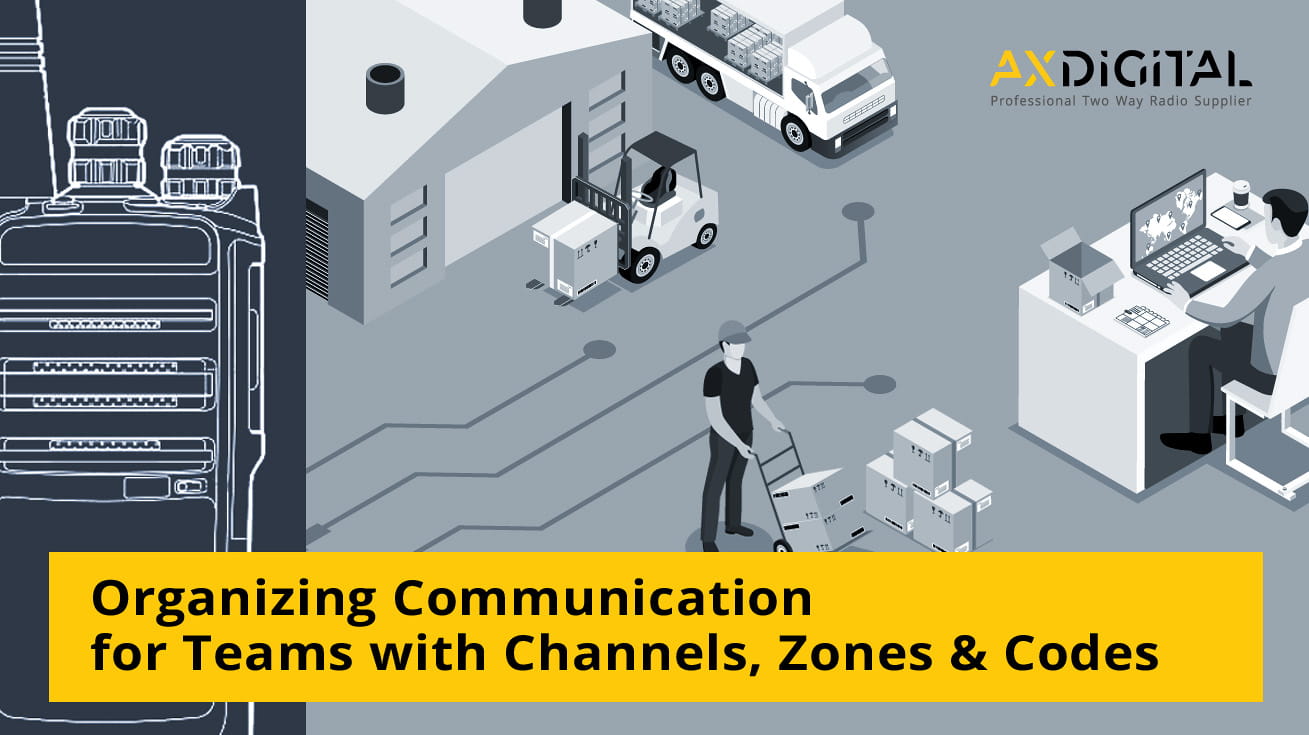
Two-Way Radio Channels, Zones, and Codes: A Practical Guide
If your business is implementing two-way radios, three terms quickly come to mind — and their meanings are often confused: channel, code, and group.
This confusion leads to frustrating operational glitches:
-
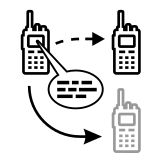 the wrong team hears traffic intended for another;
-
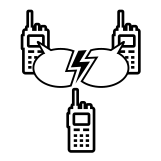 employees talk over each other on a shared frequency;
-
 a "privacy code" is mistaken for a way to protect communications from eavesdroppers.
What each term means, how they differ, and how analog and digital two-way radios differ are discussed below. Clear definitions make it easier to decide on the basis for a radio network, and a closer look at the details is always useful to whoever configures the radio fleet.
What Is a Two-Way Radio Channel?
A two-way radio channel is simply the setting your radios share in order to communicate with one another. In practice, it is a specific radio frequency the radio is tuned to. On a repeater, that means a paired set of frequencies. Every radio switched to the same channel can hear every transmission on it. On a business handheld like the Motorola R2 or Hytera TC-508, for example, you turn a knob to Channel 1, Channel 2, and so on. Each position is a stored frequency together with its related settings.
Most business frequencies are licensed rather than open. That is why professional radios usually ship pre-programmed with the channels your license covers, instead of letting users enter raw frequencies.
Channel vs Frequency: What's the Difference
These words often get used interchangeably, but they are not the same thing. A frequency is a specific point in the radio spectrum, measured in megahertz. It is the physical side of the signal. A channel is a defined setting inside the radio that points to a frequency, and often to a code and other settings as well. That is why the user selects, say, "Channel 3" instead of entering a value in MHz. A repeater channel works a little differently: it uses one frequency to transmit and another to receive, bundled under a single channel position.
Channels and Zones: Organizing Many Channels
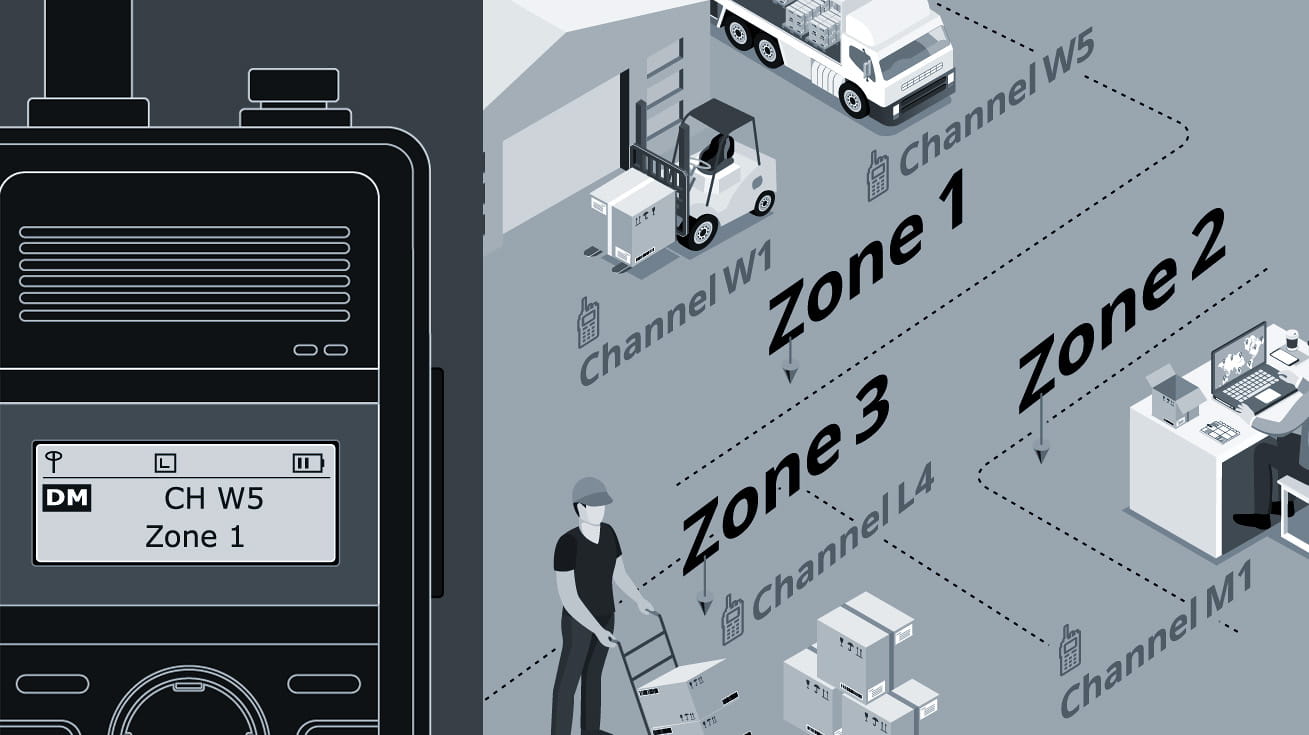
When a radio fleet grows past a handful of channels, those channels are organized into zones. A zone is a labeled set of channels that makes a long channel list easier to manage and navigate in the field. Entry-level digital models such as the Motorola CP100d, Hytera BD302i and BD502i, for example, hold 48 channels arranged as three zones of sixteen. For example, one zone might be named "Warehouse" and another "Sales Floor." Each zone is the group of channels used by the team or department it belongs to. This is why business radio spec sheets almost always mention channels and zones.
How Many Channels Does a Business Need?
There is no fixed number of channels, it depends on how many teams, departments, and sites you coordinate. A small single-site crew may run cleanly on two or three channels. A company with several departments, or one spread across multiple locations, needs considerably more, organized into zones so each team finds its channels quickly. The goal is not the most channels, but a layout that matches how people and departments actually work. That is exactly what channel planning and zoning are for.
Codes (CTCSS/DCS): Sharing a Channel Without Crosstalk
CTCSS and DCS are the codes that let several teams share one channel without constantly hearing each other. They work like this: a sub-audible tone (CTCSS) or a digital code (DCS) is added to your transmission. The receiving radio then opens its speaker only when the incoming code matches its own. Manufacturers usually market these codes as "privacy codes", and this is an industry definition, not a function. CTCSS is the older analog tone system, with a few dozen codes; DCS is the digital version, with many more. On a shared frequency, an analog radio like the TC-508 uses CTCSS/DCS to keep the receiving area and the shipping area of the same warehouse from talking over each other.
Do "Privacy Codes" Make You Private?
No,CTCSS and DCS coding does not provide privacy, and this is the most common misconception. A code decides what your radio plays, not who can hear you. Anyone on the same channel with their code turned off will still hear every word you say. If you need separated communication that outsiders truly cannot listen to, that calls for encryption. In other words, it is a function of digital systems, not something a CTCSS or DCS code can provide. How these codes work in detail, and what they cannot do, is a subject in its own right rather than part of a general overview like this one.
Talkgroups: The Digital (DMR) Way to Separate Teams
A talkgroup is the digital equivalent of giving each team its own channel. The difference is that the system manages it, rather than the user tuning to it. On a digital DMR fleet, each radio is assigned to one or more talkgroups, which act as a virtual group ID. A call then reaches only the radios in that talkgroup. This holds true even when several groups share the same frequency and timeslot. That makes talkgroups cleaner than analog codes, and easier to scale as teams grow.
There is one key limit. Talkgroups exist only on digital radios. Dual-mode DMR models support them, such as the BD302i and BD502i handhelds or the Motorola R2, MD612i and MD622i mobiles. An analog-only radio like the TC-508 does not. It has channels and codes, but no talkgroups. If you are moving toward a digital fleet, DMR models such as Motorola, Hytera's are where talkgroups come into play.
Analog vs Digital: Which Applies to You
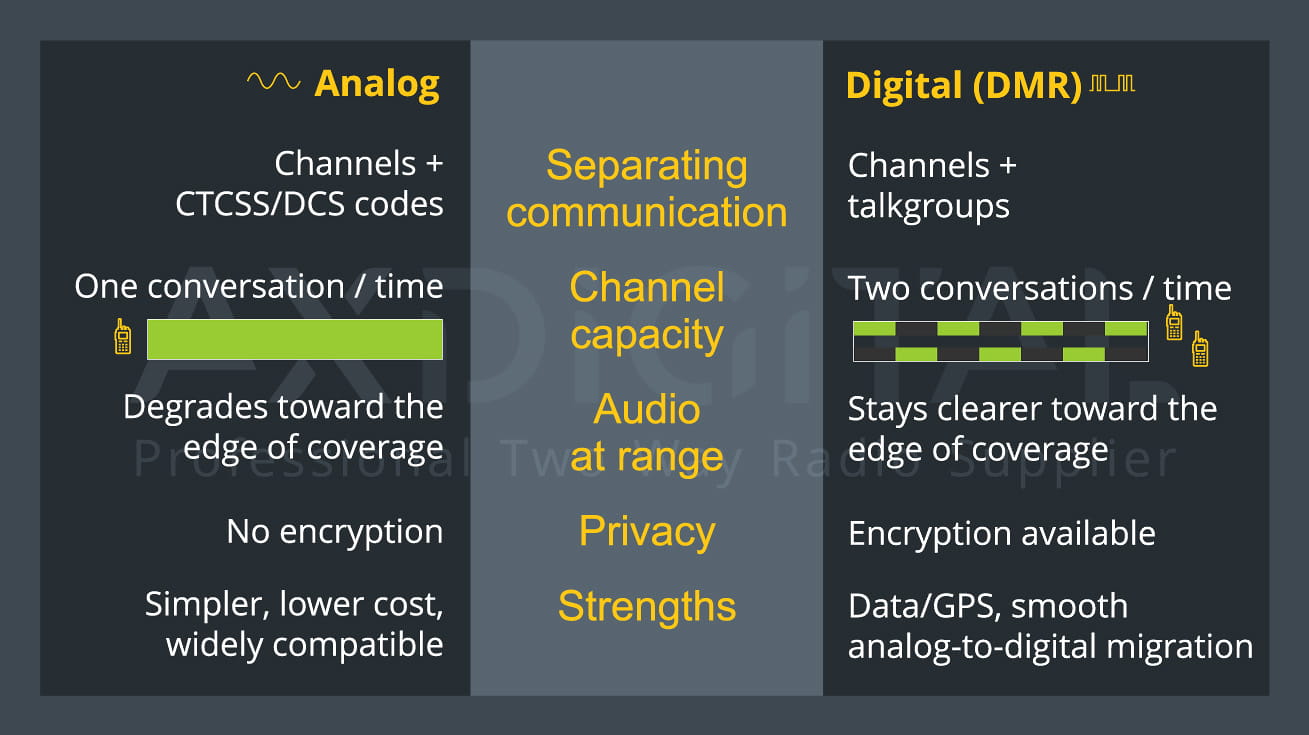
The simplest way to keep the terms straight is by technology. On analog radios, you organize communication with channels plus CTCSS/DCS codes. On digital (DMR) radios, you organize it with channels plus talkgroups.
The practical differences matter too. Analog is simpler, lower in cost, and widely compatible with existing equipment. Its limits are that a channel carries only one conversation at a time, and audio quality falls off as range increases. Digital (DMR) keeps audio clearer toward the edge of coverage, and it fits more capacity on to a channel by splitting it into two timeslots. It also supports data and GPS features, and real encryption is available when confidentiality is required.
Many current business radios run both modes, among them the:
That lets you move from analog to digital without replacing everything at once. Which path fits depends on team size, whether you need data, GPS, or encryption, and what you already own.
Planning Channels for Your Site
Channels, zones, and codes or talkgroups should reflect how your teams actually operate, whether by department, area, or function, rather than sit at factory defaults. Done well, the right person hears the right traffic and nothing else. Done poorly, everyone talks over everyone. Laying that out is what a channel plan is for, and it is worth doing before the radios are programmed.
One legal point: most business two-way frequencies require an FCC license. Transmitting on licensed frequencies without authorization risks interference, fines, and lost airtime, so it is a step to settle early rather than after deployment.
Not sure which setup fits your site: how many channels, which codes, or analog versus digital? That is what we help with. AXDIGITAL LLC – as a supplier of professional two-way radio systems, we spec each radio and deliver it configured and ready to deploy, so your team can switch it on and get to work. Tell us about your site, and we will put together the right configuration and a quote.
You can also browse our full range of two-way radios to see the options first.
Contact Form
Please use the form below to submit your business inquiry to AXDIGITAL. Selecting the appropriate inquiry type and providing relevant details will help ensure proper handling of your request.